In-app Office preview
.DOCX, .XLSX and .PPTX files can preview inside the app. Formatting may differ from the original document.
 DarkMatter VaultPrivate archive for iOS
Save selected media, files and links in one protected place - separate from your camera roll, organized for later and backed up on your terms.
Why DarkMatter
Some content is personal, important, sensitive or simply worth keeping separate. DarkMatter gives selected content a calmer place of its own.
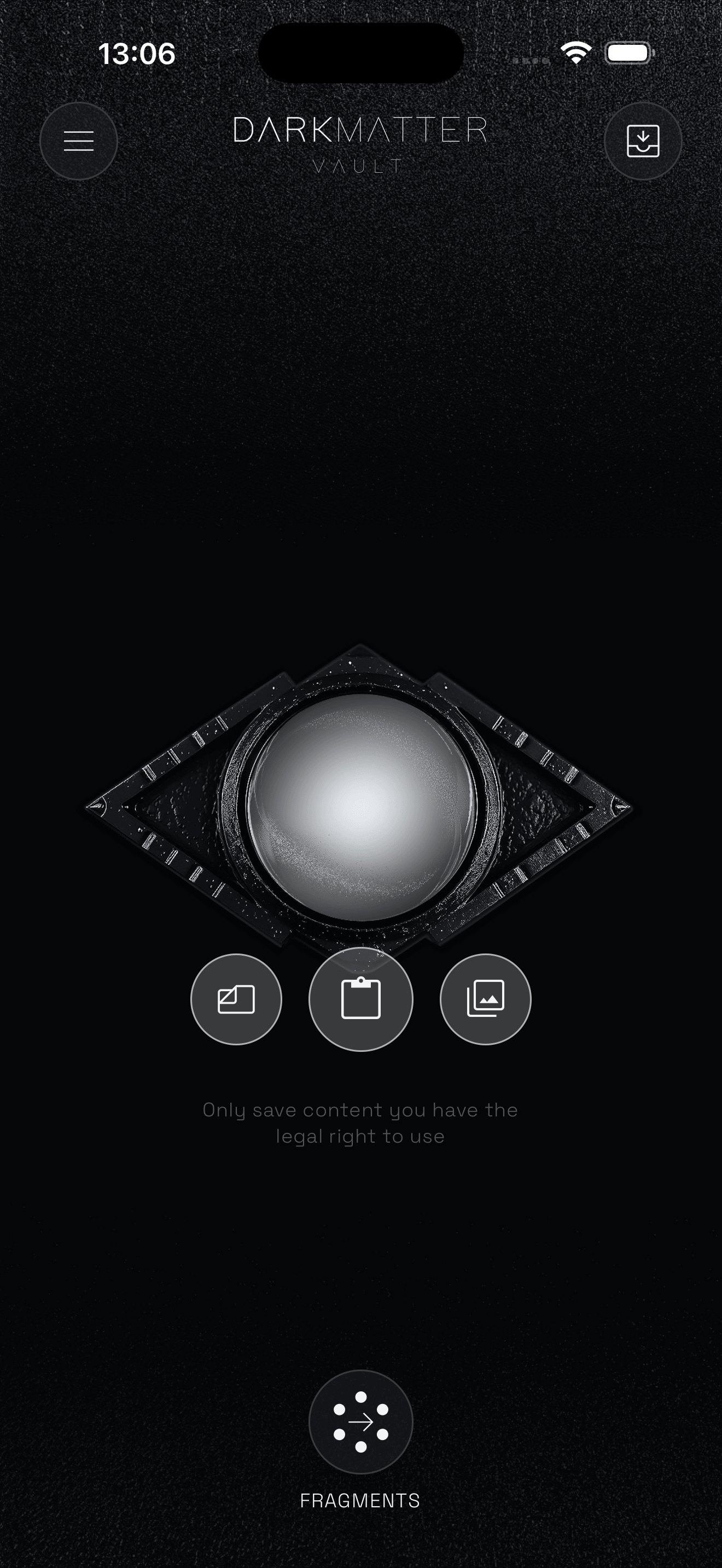
DarkMatter is for selected content that deserves its own quiet shelf, away from the flow of everyday apps.
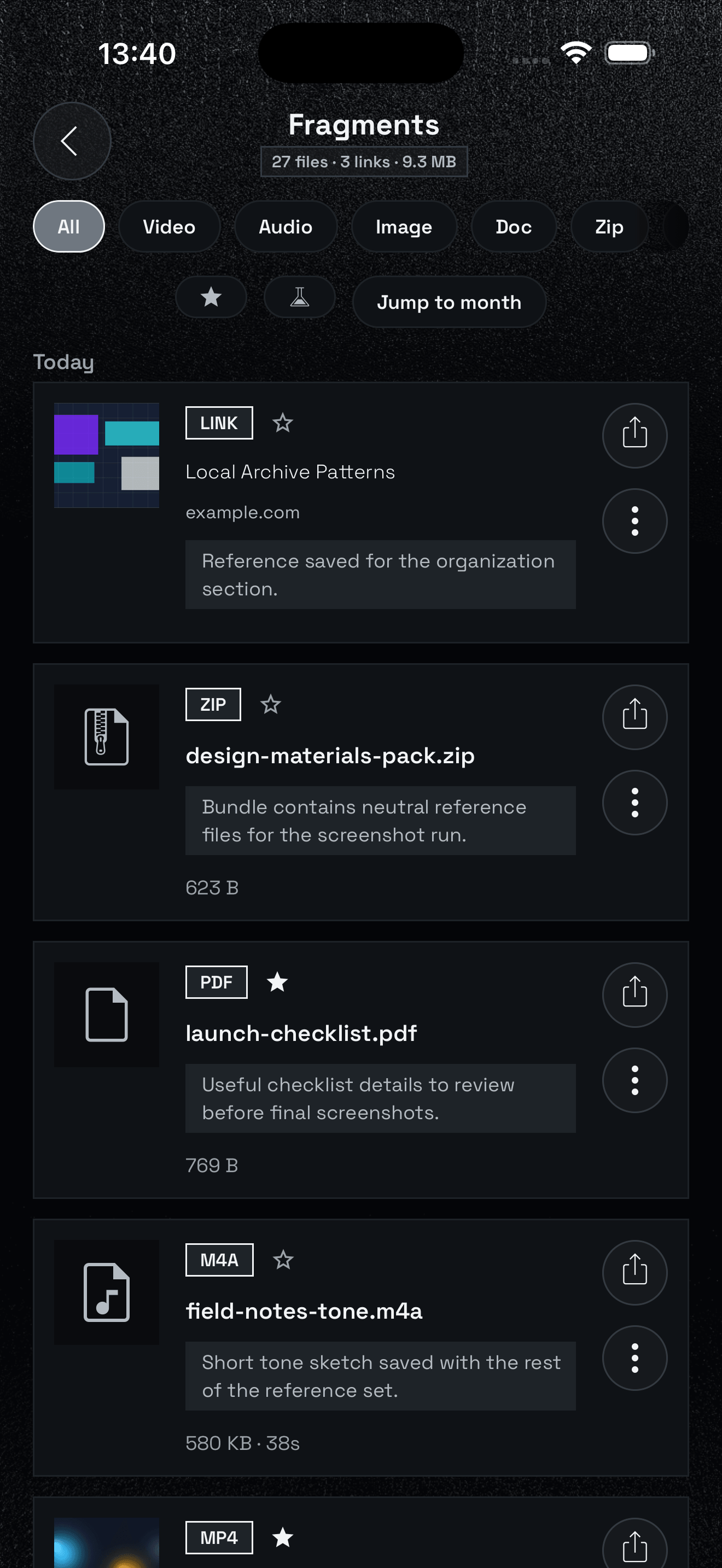
Notes belong with the item they explain. The point is not to create another notes app, but to keep the context close to the thing you saved.
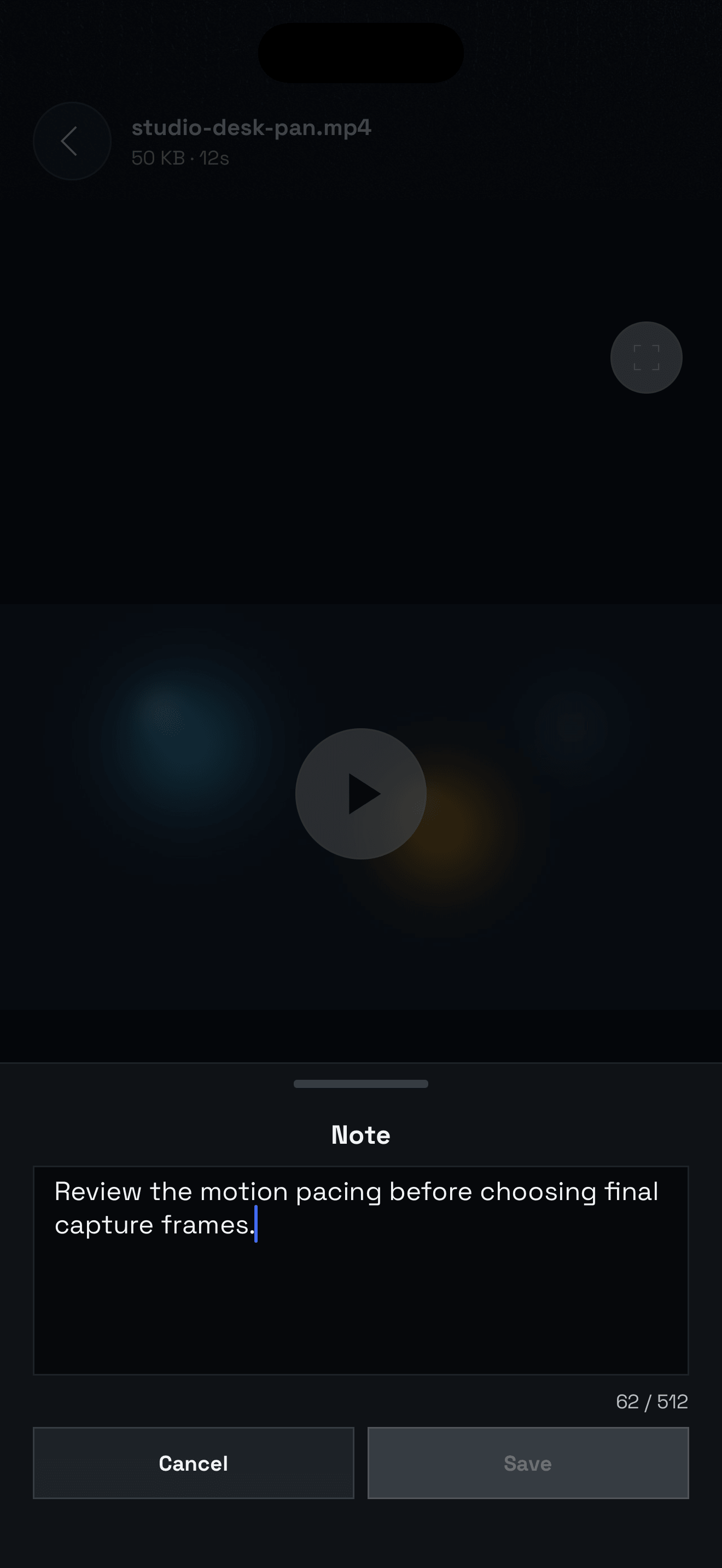
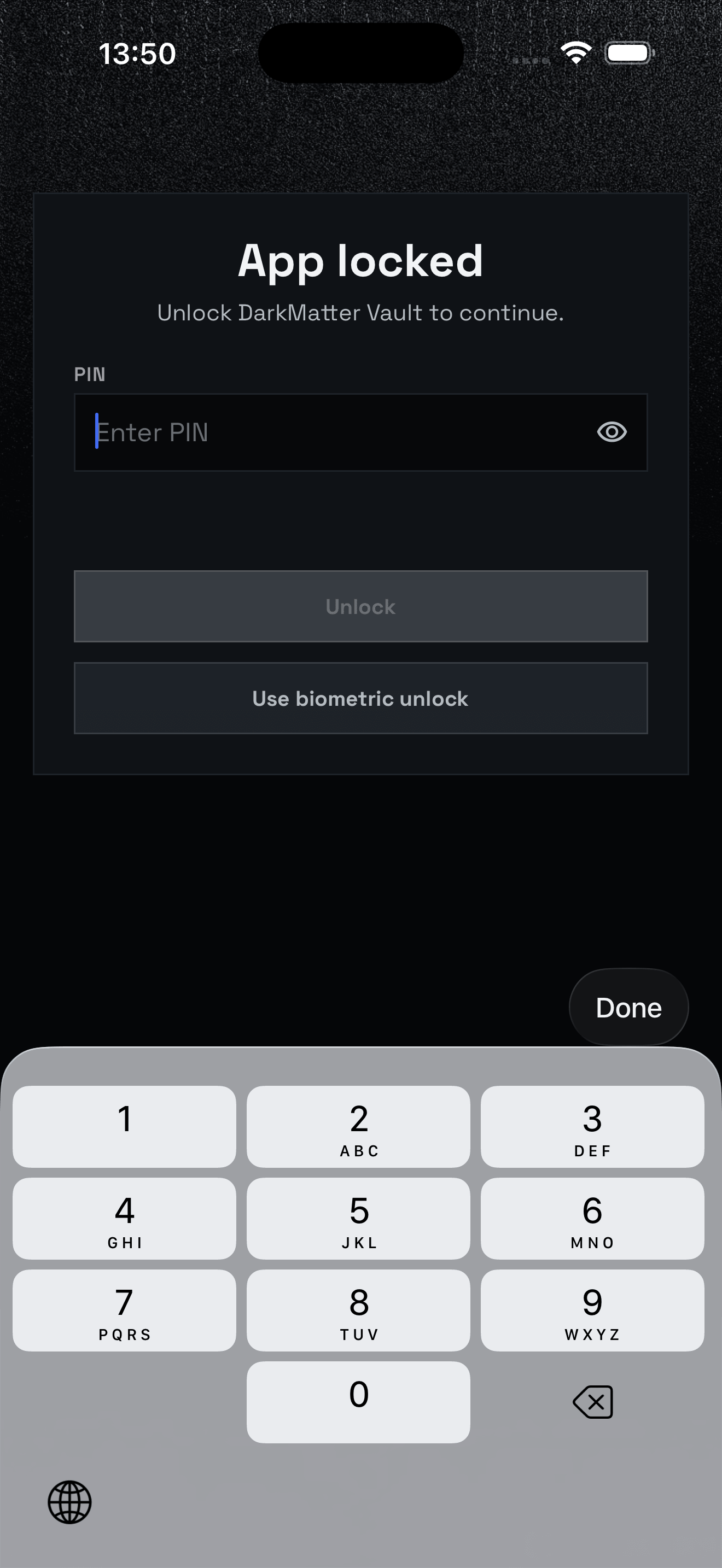
DarkMatter is designed for local device storage. App Lock can protect the vault UI and Vault Encryption can add stronger local protection when you need it.
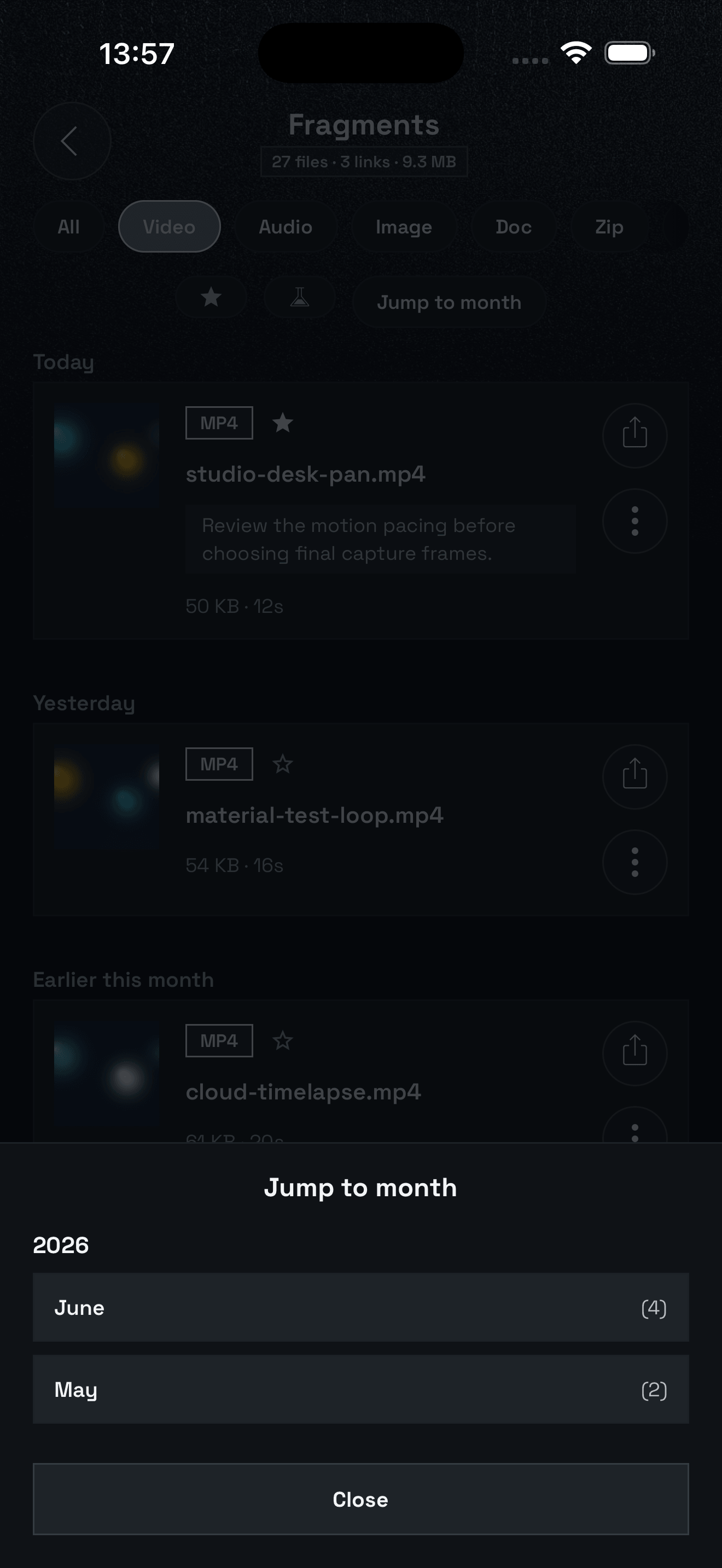
The goal is not only to store content. It is to help you find it again when the archive grows.
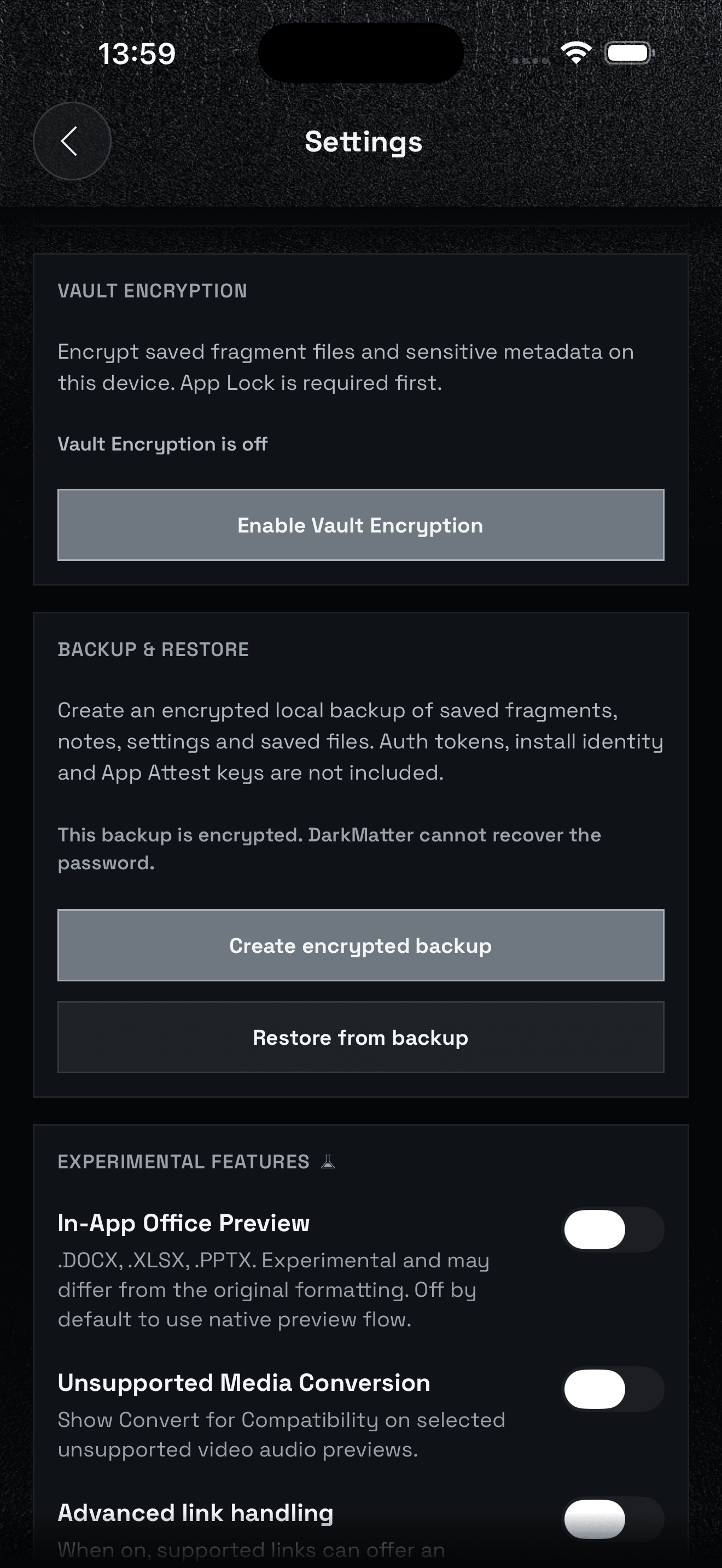
A private archive becomes more valuable over time. DarkMatter can create an encrypted backup of saved items, settings, attached notes and files so the archive is not tied to one device.
Experimental features
DarkMatter keeps a few opt-in tools in Settings for file previews, format compatibility and optional link previews. They are experimental, may vary by file or page and are not required for the core archive.
.DOCX, .XLSX and .PPTX files can preview inside the app. Formatting may differ from the original document.
Selected video and audio files can show a compatibility option when the normal preview flow cannot open them.
When enabled, a link you save can offer an optional preview. If a preview isn't available, DarkMatter simply keeps the page as a saved link.
Automatic link handling is a separate experimental setting. The archive always keeps the original link when a preview isn't useful.
FAQ
No. DarkMatter is designed as a local vault. Saved items stay on the device unless you share them or export a backup.
Yes. Saved files and metadata are kept in local app storage on the device.
Media, files and links. Notes can be attached to saved items.
Yes. Notes are attached to saved items so context stays with the item.
App Lock can require a PIN or passphrase before the vault UI opens. Biometrics can be used as a convenience unlock when available.
Vault Encryption can encrypt saved files and sensitive metadata on the device. App Lock must be enabled first.
Vault Encryption uses a separate random vault key to encrypt saved files and sensitive metadata on this device. That key is wrapped with your App Lock PIN or passphrase using PBKDF2-HMAC-SHA256 and AES-256-GCM, then the wrapped record is stored in the device secure store. When the vault locks, DarkMatter clears the unlocked key and decrypted cache. This adds strong local protection, but it is not a replacement for protecting your device, remembering your App Lock secret and keeping backups safe.
Yes. Create an encrypted backup, save it somewhere safe, then restore it with the backup password.
DarkMatter cannot recover forgotten backup passwords.
DarkMatter gives selected content its own private archive, with organization tools, attached notes, protection options and encrypted backup support.